
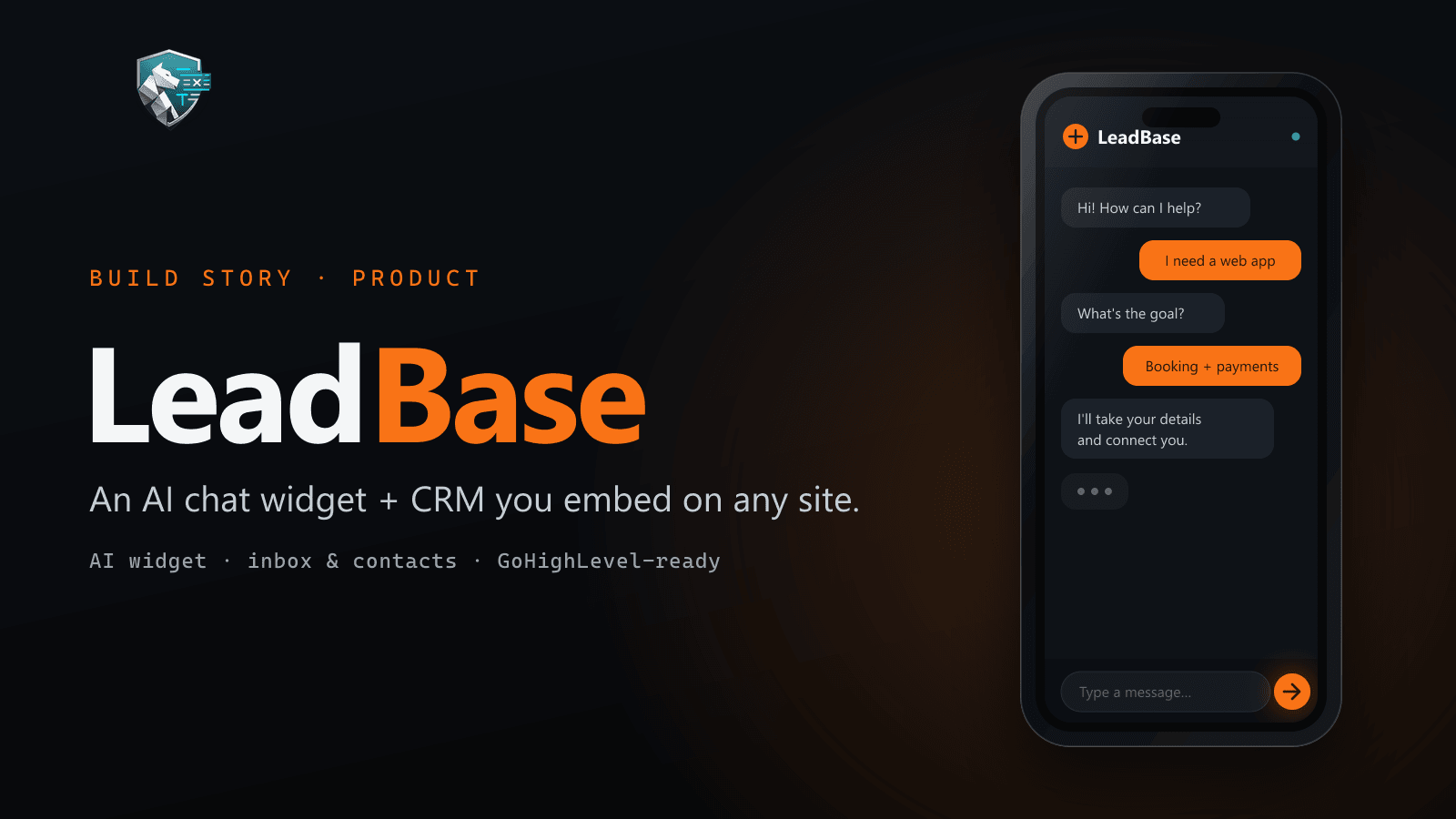
Most marketing sites generate more intent than they capture. Someone asks a question in a chat box that goes nowhere, a form submission lands in an inbox, a booking sits in a third tool — and no one can see that it was all the same person.
LeadBase is the product I built to fix that: an AI chat widget and a focused CRM, together, that you drop onto any website. Visitors talk to your AI; every conversation — and, when you wire it up, every form and booking — becomes a contact with a clear timeline, in one place. Here it is, running:
This write-up is two things at once: what LeadBase does, and the decisions behind how it was built — because for me the second part is the product.
What it is, in three parts
- an embeddable AI chat the visitor talks to
- Widget
- every thread tied to a real person
- Inbox + Contacts
- a timeline of chats, forms and bookings
- Journey
- The AI chat widget is the front door. You add it to your site and visitors can ask real questions; the AI answers from your business context — your services, hours, FAQs and instructions — and the conversation lands in a product inbox instead of vanishing.
- Inbox & contacts turn those threads into people. Contacts merge on email or phone, so the same visitor doesn’t become five different records.
- The journey is the part I care about most: a single timeline per contact showing what actually happened — messages, form submissions, bookings — so intent from the website doesn’t get lost in email.
A workspace scopes all of this to one site or brand. LeadBase hosts the CRM and the APIs; your marketing site stays exactly where it is, on your own hosting and stack.
It embeds on anything
The widget is self-contained, so it goes onto a static site, a WordPress build, or a funnel page just the same — one snippet, no rebuild. The heavy part (the AI, the inbox, the database) lives in LeadBase, so dropping it on a page doesn’t drag the page down.
The widget is the front door for live chat. Everything else the site already collects needs a service entrance.
Connecting the rest of your site — and CRMs like GoHighLevel
A chat widget only captures chats. Most sites also have forms and bookings, often already flowing through a CRM or funnel builder such as GoHighLevel. So LeadBase has a second, server-only way in: an ingest API.
Your site — or your CRM’s webhook — sends a small, structured event (a contact plus an activity like form.submitted or booking.created) to a route on your server, which forwards it to LeadBase with a secret key. The result: a form filled on your landing page, or a booking created in GoHighLevel, shows up as the same contact and the same journey as the chat.
How a GoHighLevel form reaches LeadBase
- A lead submits a form (or books) — in GoHighLevel, or on your own site.
- A webhook / server route you own receives it and builds a small JSON payload (
contact+activity). - It calls LeadBase’s ingest endpoint with a server-side key. The key never touches the browser.
- The lead appears in LeadBase Contacts, on the journey, next to their chat history.
It’s an honest bridge, not a one-click button: it works with GoHighLevel (and anything else that can POST JSON or fire a webhook) through a route you control — which is exactly why it’s secure.
The decisions behind it
This is the part that makes it a product rather than a demo. A few of the calls, and why:
- Keep the client’s site on their own stack. LeadBase never asks you to migrate. It adds a layer; it doesn’t take over. The whole ingest design exists so a site on Vercel, Netlify or anywhere else keeps its repo and hosting.
- Secrets are server-only, always. The ingest key lives in your host’s environment, never in front-end code, never in logs, never in git. That single rule shapes the entire integration — a validated form endpoint for humans, a locked-down route for machines, and the browser never sees a credential.
- The journey needed a real beginning. Sending the page URL (and the visitor’s first-touch URL) with each event lets LeadBase pin the start of a journey and label events by your domain, instead of a generic “a form was submitted somewhere” row.
- Every event is idempotent. Each has a dedupe key, so a retried webhook is safe and never creates a duplicate timeline row.
- The widget is untrusted input. It’s a public, AI-powered box on the internet, so it’s treated like one — system rules, message limits, rate limiting and moderation to blunt jailbreaks and abuse. An AI widget you expose is a surface to defend, not a secrets vault.
None of these are flashy. Together they’re the difference between “an AI chatbot” and something a business can actually run on.
Who it’s for
Agencies and small businesses who want the intent their website already creates to land somewhere useful — captured, deduplicated, and visible — without ripping out the stack or the CRM they already pay for.